

-
Click on the collection
Plivo REST API.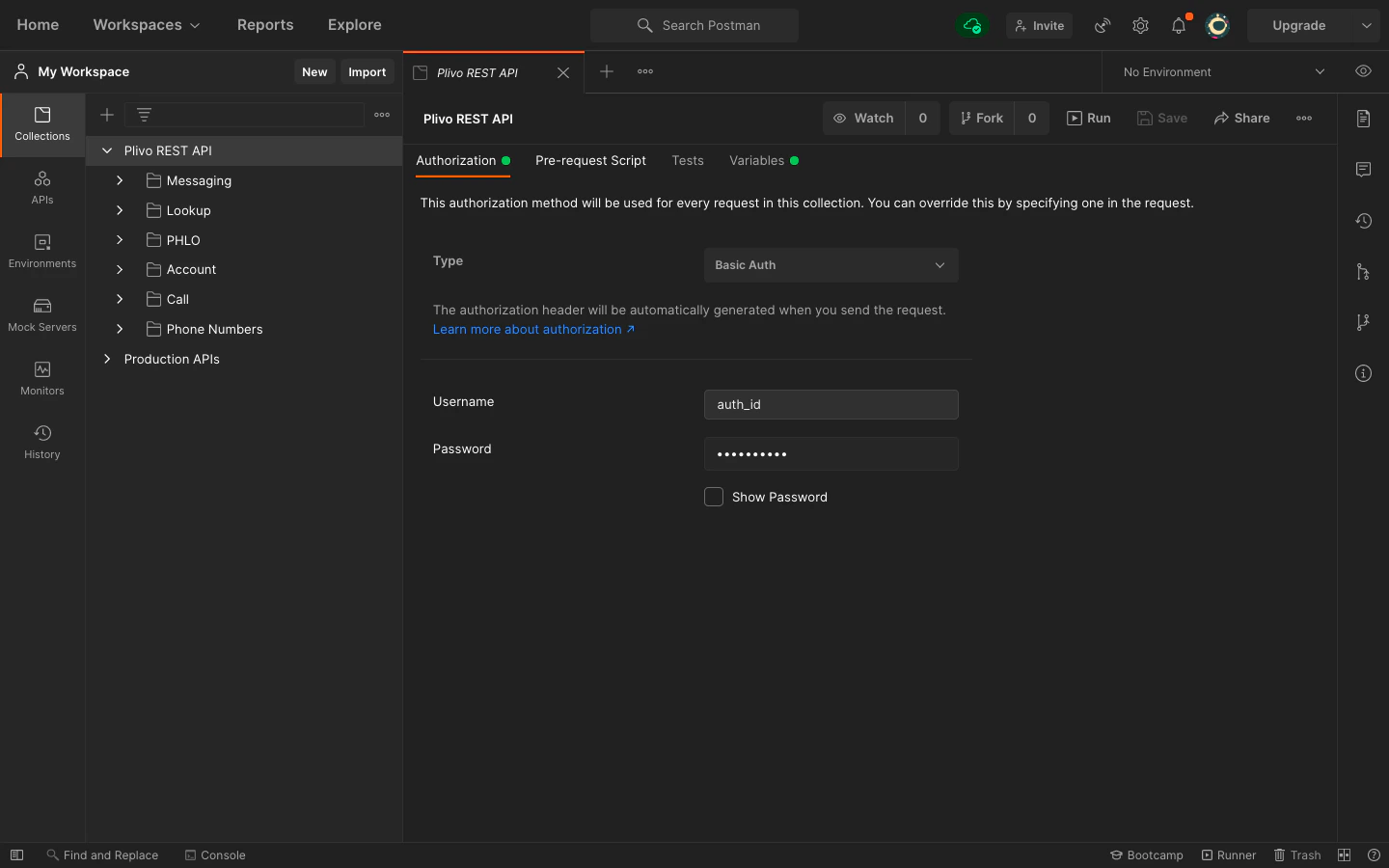
-
Select
Authorization, then, from the drop-down list, set the Type as Basic Auth.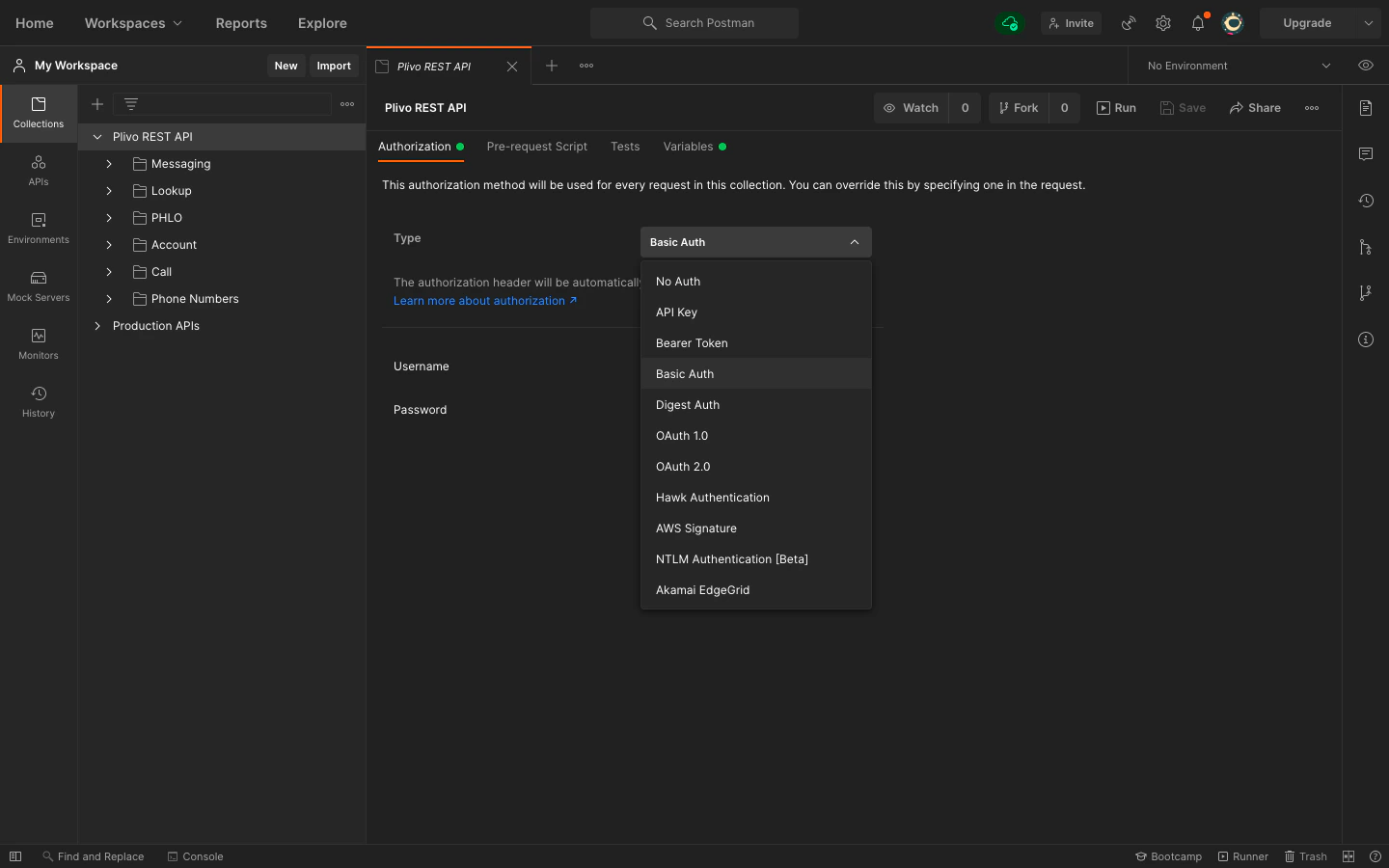
-
For
UsernameandPassword, fill in your Plivo Auth ID and Auth Token respectively, which you can find on the overview page of the console.
Set up environment variables
Set up theauth_id as an environment variable, so you can use it in every endpoint you have.
-
Click on the collection
Plivo REST API. -
Click on
Variables. Declare the variableauth_id, and provide the initial and current value as the Auth ID from the console.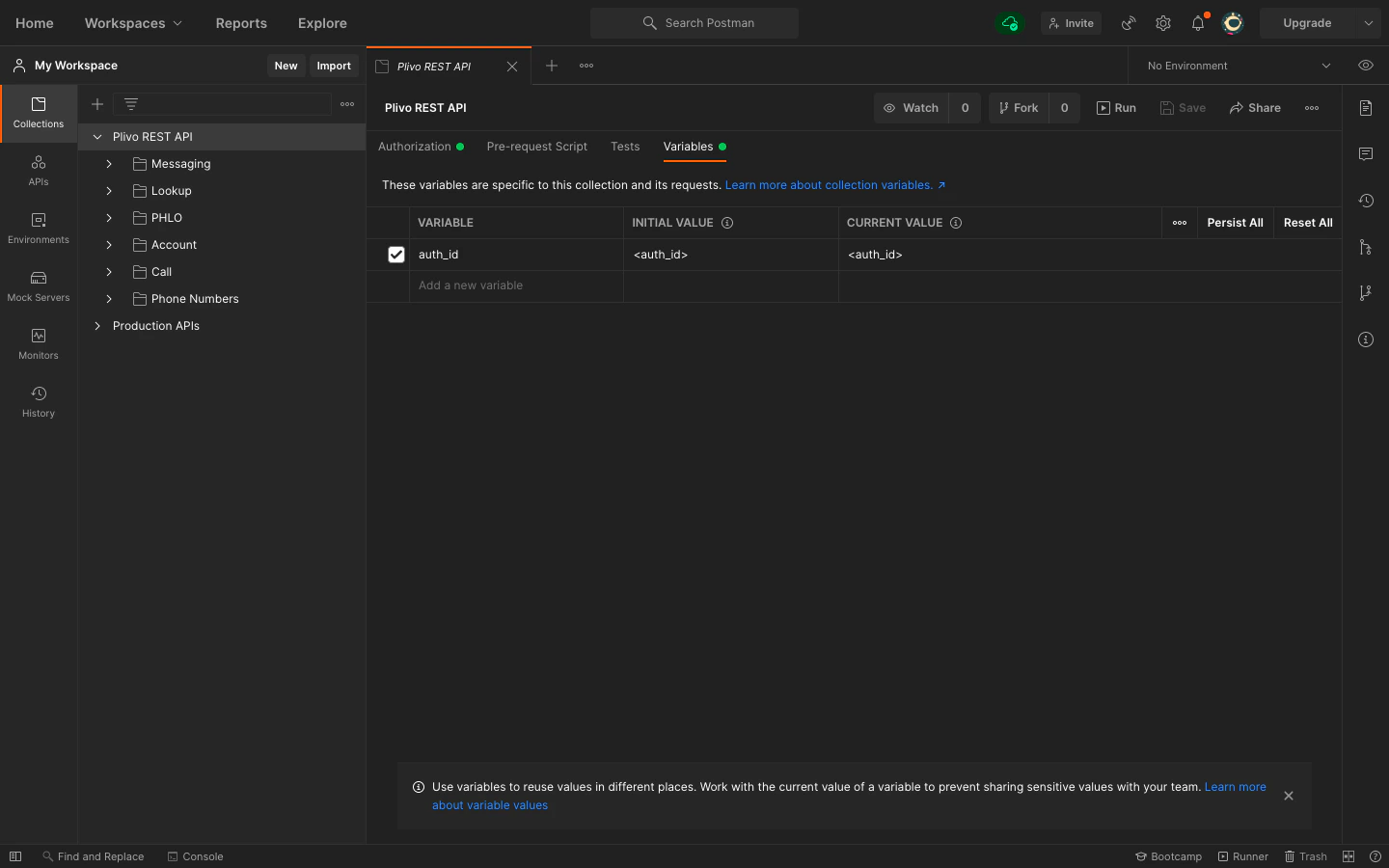
-
Once you’ve done that, you can access your Auth ID by writing
{{"{{auth_id"}}}}within your Postman collection. We’ve already done that for you for all the APIs in the Plivo collection.